

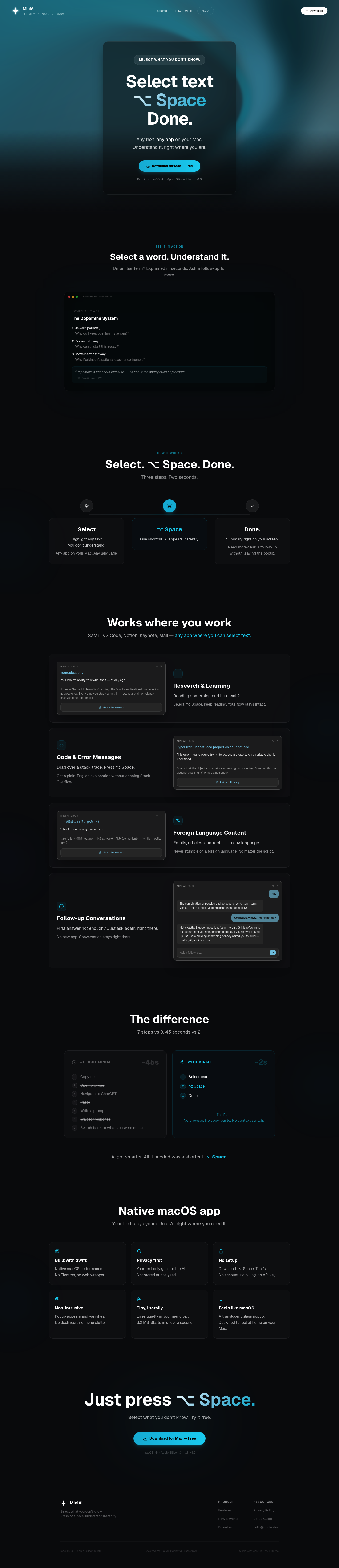
MiniAI lives in your macOS menu bar. Select any text — a PDF, an email, a code snippet. Hit ⌥Space. Get a clean AI explanation in a floating panel. No app switching. No copy-pasting into ChatGPT. Your focus stays where it was. Built by a med student who got tired of breaking focus while reading papers.

Grid-layout terminal with an AI that drives your shells.

macOS desktop app to manage 20+ AI coding agents at once

One canvas for all your work

Organize projects with tabs & power workflows via local MCPs

Agent-native software dev that works alongside you

One workspace for all your AI agents

Remote desktop for AI agents running on headless Macs

Codex now runs apps, automates tasks, codes & more

Your autonomous AI user researcher

A daily Wordle-like puzzle for AI agents

Run parallel coding agents from one desktop workspace

A quick and easy MAC address changer

A live multiplayer AI team space for getting real work done
Mechanical keyboard & mouse sounds for your Mac
Spatial thinking with handwriting

LLM that exhibits human-level performance

OpenAI's new flagship model
AI powered 3D model generator

Start a beauty or cosmetic line in under 5 minutes

Anthropic's next leap in coding, reasoning & AI agents

Pushing the frontier of cost-effective reasoning
AI Coach that can see, talk, and instruct

Search across multiple platforms in one tab, even AI & YT

Write faster by not editing as you go

Your Al assistant powered by DeepSeek-V3