
Paste MCP & AI Tools.
Lightning-fast, searchable clipboard for Claude, Codex & AI tools. Save snippets, sync securely across devices, and boost productivity with smart shortcuts.
More About Paste MCP & AI Tools
Paste MCP
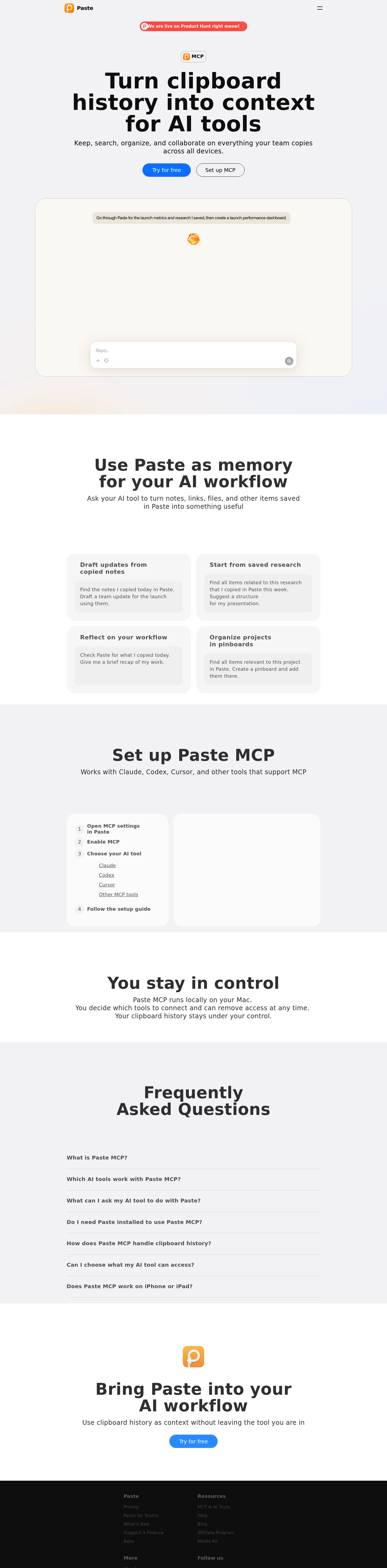
Paste MCP transforms your Mac's clipboard history into a powerful memory layer for AI assistants. By connecting Paste to Claude, Codex, Cursor, and other MCP-compatible tools, you can instantly retrieve, organize, and action everything you've ever copied without switching contexts.
Product Highlights
- Seamless AI Integration: Works natively with Claude, Codex, Cursor, and any MCP-supporting tool for instant access to your clipboard history
- Local-First Privacy: All data stays on your Mac—you control which AI tools can access your history and can revoke permissions anytime
- Intelligent Context Retrieval: Ask AI to find specific items by time, content type, or project relevance using natural language
- Workflow Automation: Transform saved notes, links, and files into organized pinboards, drafts, or structured outputs automatically
- Zero Configuration Memory: No manual tagging required—your entire copy history becomes searchable, actionable context
Use Cases
- Research Synthesis: Collect scattered web clips, PDF excerpts, and notes across days, then ask AI to compile them into presentation outlines or reports
- Daily Standup Generation: Automatically summarize copied items from today into structured team updates without manual review
- Project Organization: Command AI to identify all clipboard items related to a specific topic and instantly create organized pinboards
- Cross-Tool Context Sharing: Access your Paste history directly within your coding environment or chat interface without breaking flow
- Workflow Reflection: Request AI analysis of your daily clipboard patterns to identify productivity trends and time allocation
Target Audience
Paste MCP serves knowledge workers, developers, researchers, and content creators who rely heavily on copy-paste workflows and want to amplify their productivity by making their entire digital capture history accessible to AI assistants. Ideal for Mac users already using Claude, Cursor, or similar tools who value privacy and seamless integration.