Screen Ruler.
Inspect, convert, and optimize designs faster than ever before
Visual CSS inspector with flexbox/grid breakdown, gradient color stops, pseudo-state simulation & Tailwind conversion. Built for designers & developers.
Rank
▲ #33Votes
112Platform
Web / MobileLaunched
Recently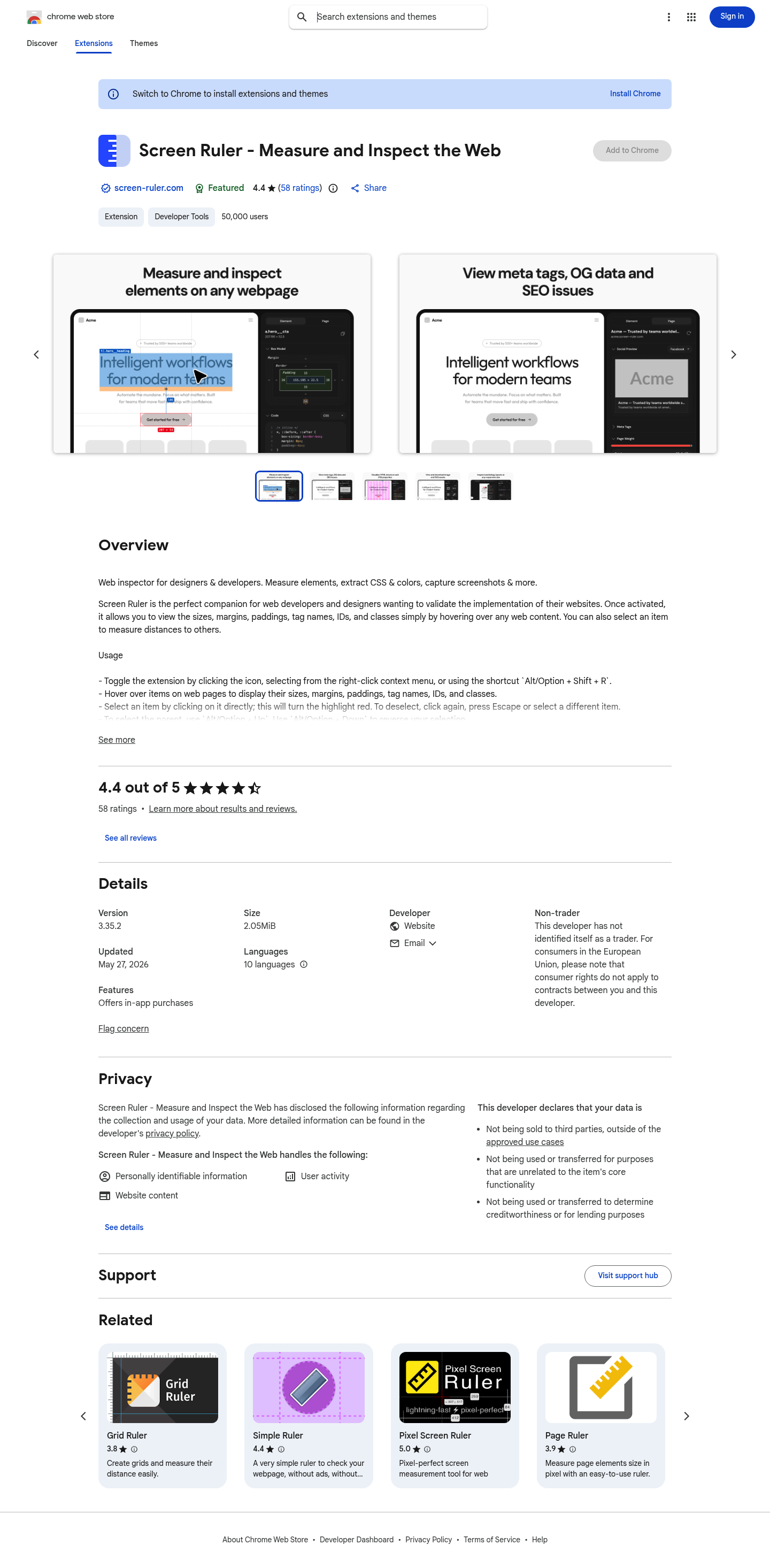
Favorite — quick open from Home.
More About Screen Ruler
Screen Ruler - Measure and Inspect the Web
Screen Ruler is a powerful Chrome extension designed for web developers and designers who need pixel-perfect precision when inspecting websites. Instantly measure any element, extract CSS properties, capture screenshots, and validate design implementation without leaving your browser.
Product Highlights
- Pixel-Perfect Measurement: Measure element dimensions, margins, and paddings with exact pixel accuracy by simply hovering over web content.
- CSS Extraction: View computed CSS of any selected element and copy it directly to your clipboard with one click.
- Advanced Inspection Tools: Access color picker, page rulers with crosshair guides, element screenshots, and WCAG accessibility contrast detection.
- Smart Selection: Navigate parent and child elements using intuitive keyboard shortcuts (
Alt/Option + Up/Down). - PRO Features: Unlock floating inspector, responsive mode, animation analysis, asset extraction, and layout grid overlay with a one-time purchase.
Use Cases
- Design Validation: Designers verify that implemented websites match their original designs with pixel-perfect accuracy.
- Frontend Debugging: Developers quickly identify layout issues, alignment problems, and spacing inconsistencies.
- Accessibility Auditing: Automatically detect WCAG contrast failures and receive actionable recommendations for improvement.
- Asset Management: Extract images, SVGs, vectors, and color palettes from any webpage for reuse or documentation.
Target Audience
Screen Ruler is essential for web developers, UI/UX designers, and frontend engineers who demand precision in their workflow. It's also valuable for QA testers, accessibility specialists, and anyone involved in web design implementation and quality assurance.