Studio Practice.
Preview any URL across 6 Mac displays — MacBook Air/Pro, iMac 24, Studio Display. Single HTML file, offline, no signup. Test responsive design instantly.
More About Studio Practice
Mac Screen Simulator
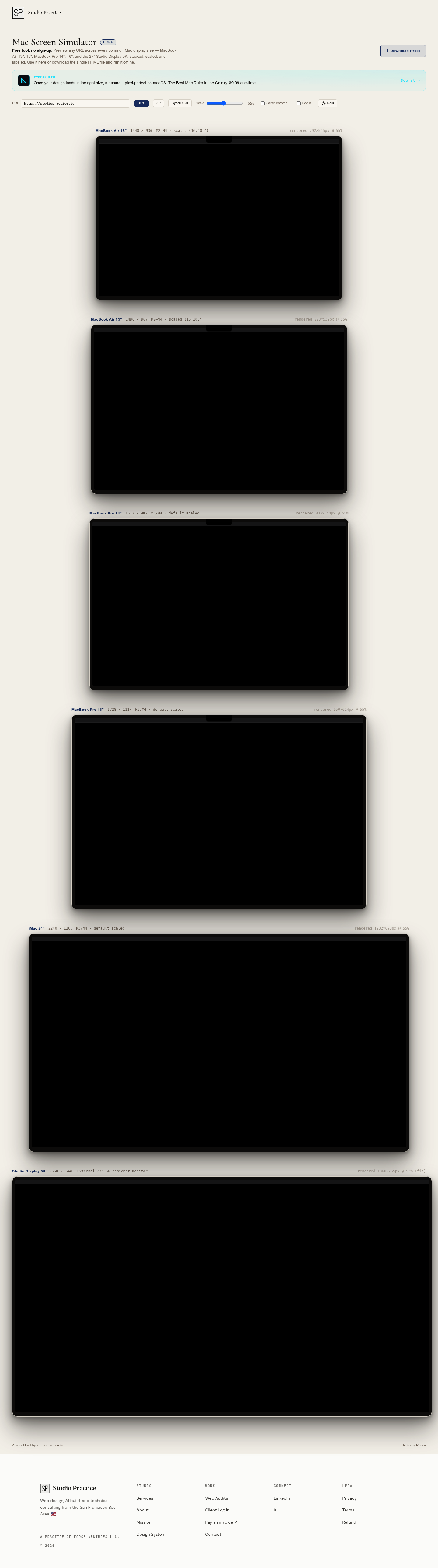
Mac Screen Simulator is a free, no-sign-up browser tool that lets designers and developers preview any website across all major Mac display sizes simultaneously. Instantly see how your design renders on MacBook Air 13" and 15", MacBook Pro 14" and 16", and the 27" Studio Display 5K — all stacked, scaled, and clearly labeled in one view.
Product Highlights
- Multi-Device Preview: See your URL across five Mac displays at once — no switching tabs or resizing windows
- Offline Capability: Download a single HTML file and run it anywhere without internet or accounts
- Localhost Support: Test your development builds (e.g.,
http://localhost:3000) across all screen sizes simultaneously - Smart Detection: "Your screen" badge automatically identifies which Mac display you're currently using
- Zero Tracking: One clean HTML file — share via AirDrop, email, or Slack with no data collection
Use Cases
- Responsive Design Testing: Verify your website looks perfect on every Mac screen size before launch
- Development Workflow: Preview local builds across multiple virtual devices without complex emulator setups
- Client Presentations: Show stakeholders exactly how designs appear on different Mac models
- Cross-Device Debugging: Identify layout breaks and scaling issues specific to Apple's display ecosystem
Target Audience
Mac Screen Simulator is built for web designers, frontend developers, and product teams who need fast, accurate Mac display testing without subscription fees or complicated tools. Perfect for freelancers, agencies, and in-house teams prioritizing clean, efficient workflows.