
Basedash for Excel.
Turn Excel files into live dashboards instantly. Basedash reads, analyzes & visualizes your data with AI—no formulas needed. Export back to Excel in one click.
More About Basedash for Excel
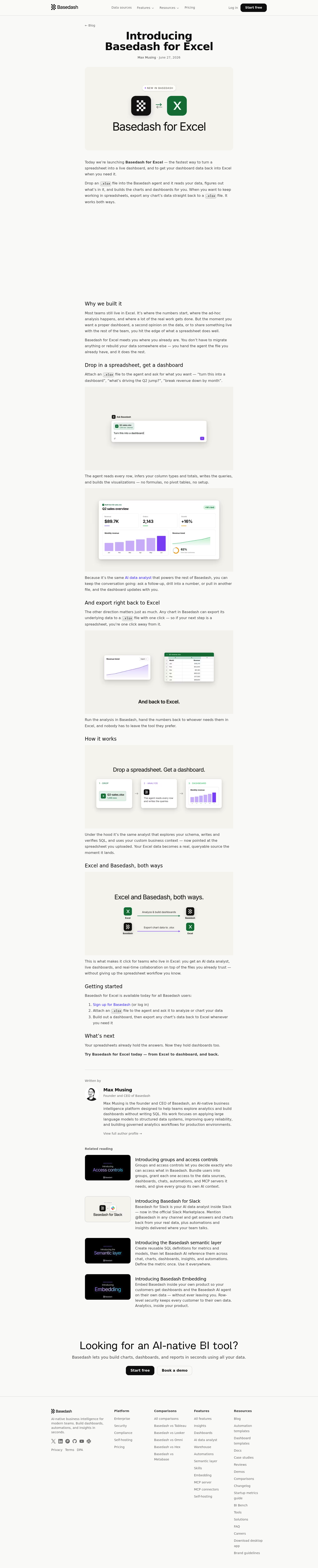
Basedash for Excel
Basedash for Excel bridges the gap between spreadsheet workflows and modern business intelligence, enabling teams to transform static Excel files into interactive, AI-powered dashboards without migrating data or learning complex tools. Simply upload your .xlsx file to the Basedash agent and watch as it automatically generates visualizations, writes queries, and builds shareable dashboards—then export any chart's data back to Excel whenever you need it.
Product Highlights
- Instant Dashboard Generation: Upload any
.xlsxfile and the AI agent automatically reads your data, infers column types, calculates totals, and builds professional charts and dashboards without formulas or pivot tables. - Bidirectional Data Flow: Seamlessly move data between Excel and Basedash—upload spreadsheets to create dashboards, then export any chart's underlying data back to
.xlsxformat with one click. - Conversational AI Analysis: Ask follow-up questions, drill into specific numbers, or combine multiple files through natural language prompts, with the dashboard updating dynamically as you explore.
- Zero Setup Required: No data migration, schema configuration, or technical expertise needed—work with the files you already trust using the same AI data analyst that powers the full Basedash platform.
Use Cases
- Executive Reporting: Transform monthly financial spreadsheets into executive dashboards for board presentations, then export refined data back to Excel for stakeholder distribution.
- Ad-Hoc Analysis: Quickly investigate anomalies like revenue spikes or cost variances by asking the AI agent direct questions about your spreadsheet data without manual pivot table construction.
- Cross-Functional Collaboration: Enable spreadsheet-native team members to contribute to live dashboards while maintaining their preferred Excel workflows for detailed number-crunching.
- Historical Data Integration: Combine multiple Excel files across quarters or years to build comprehensive trend analyses and forecasting dashboards through simple conversational prompts.
Target Audience
Basedash for Excel is designed for business analysts, finance teams, operations managers, and department leaders who rely on Excel for daily workflows but need the power of live dashboards and AI-driven insights without disrupting their established processes or requiring technical data skills.
You might also like
See all alternatives →