
Codex in Chrome.
Automate browser tasks with AI. Codex writes code to navigate sites, fill forms & complete workflows using your active logins in background tabs.
More About Codex in Chrome
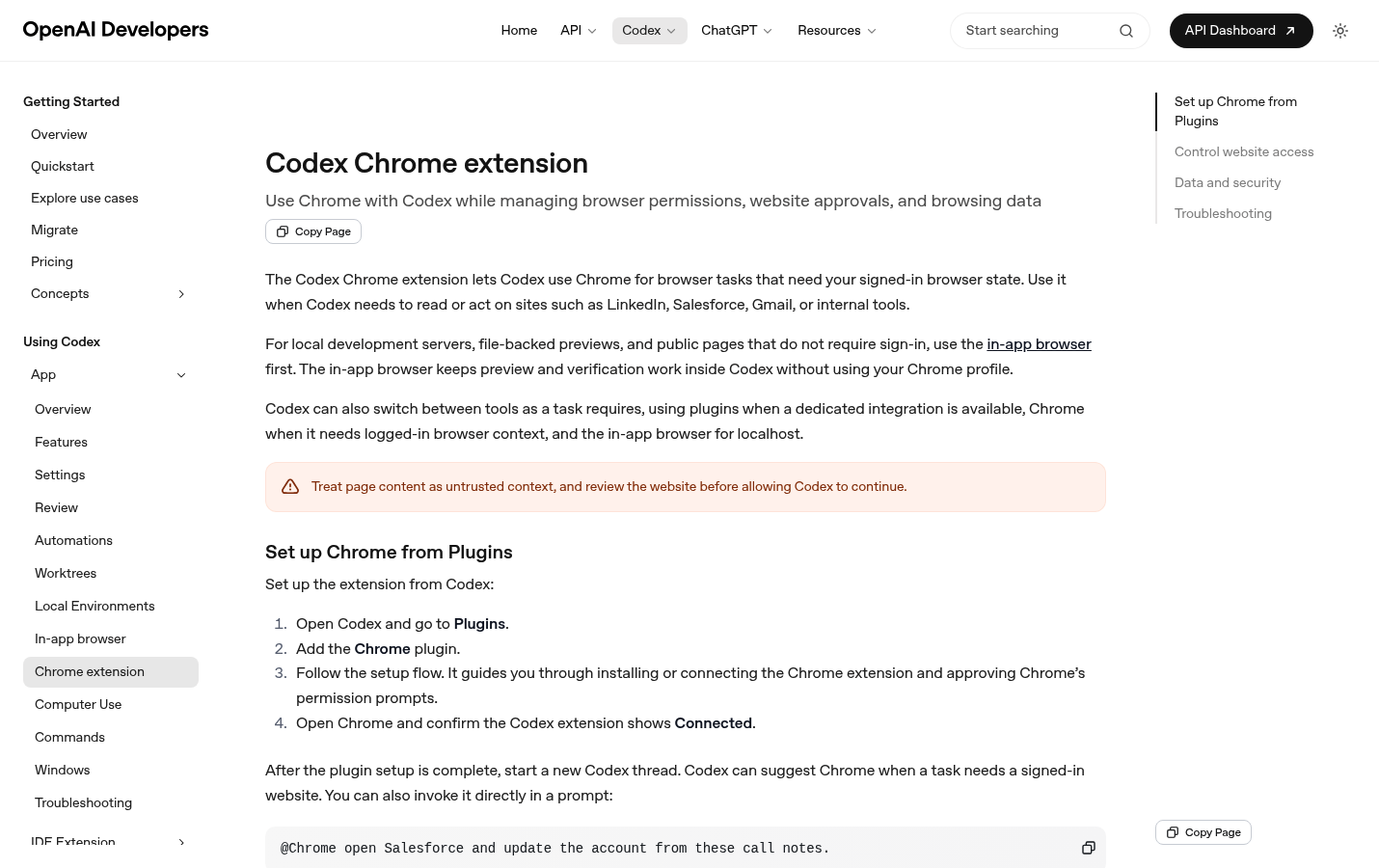
Codex Chrome Extension
The Codex Chrome extension bridges your browser and OpenAI's Codex AI agent, enabling seamless automation of web-based tasks that require your signed-in session. It allows Codex to securely interact with authenticated websites like Gmail, Salesforce, and LinkedIn while maintaining full control over permissions and data access.
Product Highlights
- Authenticated Browser Automation: Access and act on websites that require your login credentials without sharing passwords
- Granular Permission Control: Approve websites per-chat, always allow trusted domains, or block sensitive sites entirely
- Secure Data Handling: Browser activity only becomes part of Codex context when explicitly needed; no separate storage of Chrome actions
- Smart Tool Switching: Automatically routes tasks to Chrome for logged-in sites, plugins for dedicated integrations, or in-app browser for local development
- Tab Group Organization: Chrome tasks run in organized tab groups, keeping related work together per thread
Use Cases
- CRM Management: Update Salesforce accounts, log call notes, and manage customer records using existing browser sessions
- Email & Communication: Draft, send, and organize emails in Gmail or Outlook without switching contexts
- Social Media Operations: Schedule posts, respond to messages, and analyze LinkedIn activity with AI assistance
- Internal Tool Automation: Interact with company dashboards, ticketing systems, and proprietary web applications
- Research & Data Collection: Gather information from authenticated sources while maintaining compliance boundaries
Target Audience
Software developers, sales operations professionals, and knowledge workers who need AI assistance with web-based workflows that require authenticated access. Ideal for teams building AI-native engineering processes and individuals seeking to automate repetitive browser tasks without compromising security.
You might also like
See all alternatives →