
Marked QL.
See your Markdown beautifully rendered without opening an app
Preview Markdown files instantly in macOS Quick Look. Math, Mermaid diagrams, syntax highlighting. $4.99 on Mac App Store.
Rank
▲ #40Votes
178Platform
Web / MobileLaunched
Recently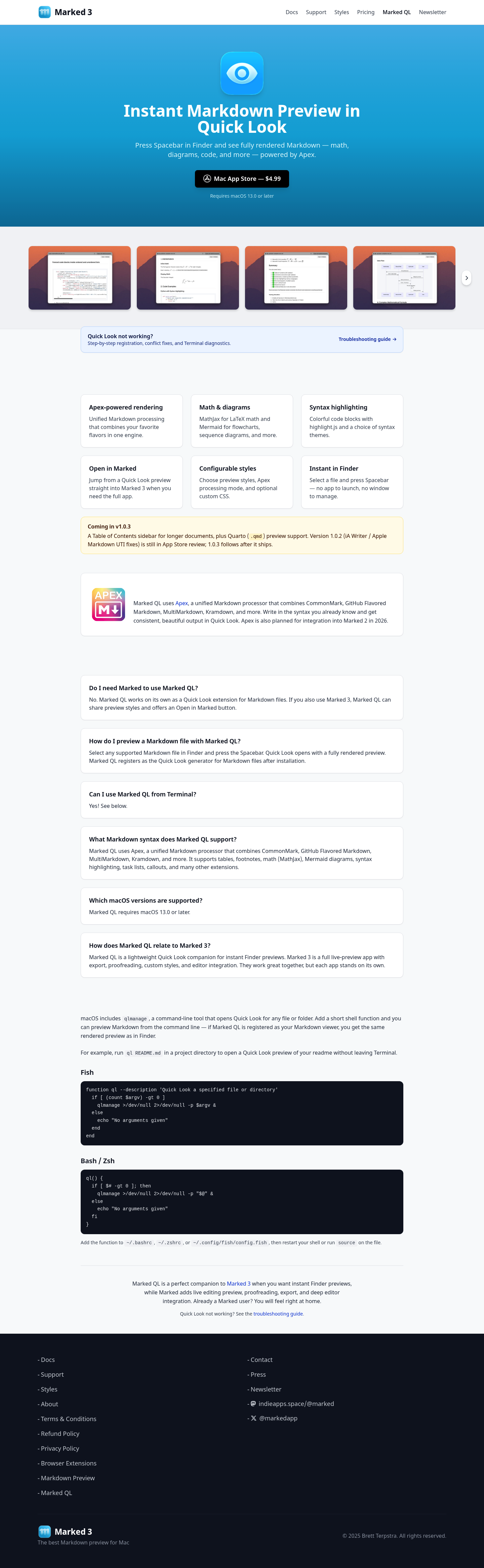
Favorite — quick open from Home.
More About Marked QL
Marked QL — Instant Markdown Preview in Quick Look
Marked QL transforms how you interact with Markdown files on macOS by bringing beautiful, fully-rendered previews directly to Finder's Quick Look. With a single keystroke, preview any Markdown document without launching an app or managing windows—perfect for developers, writers, and anyone who works with Markdown daily.
Product Highlights
- Apex-Powered Rendering: Unified Markdown processing that combines CommonMark, GitHub Flavored Markdown, MultiMarkdown, Kramdown, and more in one seamless engine.
- Math & Diagrams: Native MathJax support for LaTeX math equations and Mermaid integration for flowcharts, sequence diagrams, and other visualizations.
- Syntax Highlighting: Colorful, readable code blocks powered by highlight.js with multiple syntax themes to choose from.
- Instant Finder Integration: Select any Markdown file and press Spacebar—no app launch required, no window management needed.
- Configurable Styles: Customize your preview with built-in styles, Apex processing modes, and optional custom CSS for personalized output.
- Open in Marked: Seamlessly jump from Quick Look preview directly into Marked 3 when you need full editing and export capabilities.
Use Cases
- Developer Documentation Review: Instantly preview README files, API documentation, and project notes in Finder without opening your code editor or a dedicated Markdown app.
- Writing & Content Workflow: Quickly scan drafts, articles, and long-form documents with Table of Contents support, checking formatting and structure before diving into full editing mode.
- Terminal-Based Workflows: Preview Markdown files directly from the command line using a simple shell function, keeping your workflow in Terminal without sacrificing visual feedback.
Target Audience
Marked QL is designed for macOS power users who frequently work with Markdown—including software developers, technical writers, content creators, and researchers—anyone seeking instant, beautiful document previews without the friction of launching dedicated applications.
You might also like
See all alternatives →