Framed.
Transform raw content into stunning visuals in minutes
Transform raw screenshots, videos, and code into stunning visuals for launches, social posts, and demos. One-time purchase Mac app, no subscriptions.
Rank
▲ #33Votes
111Platform
Web / MobileLaunched
Recently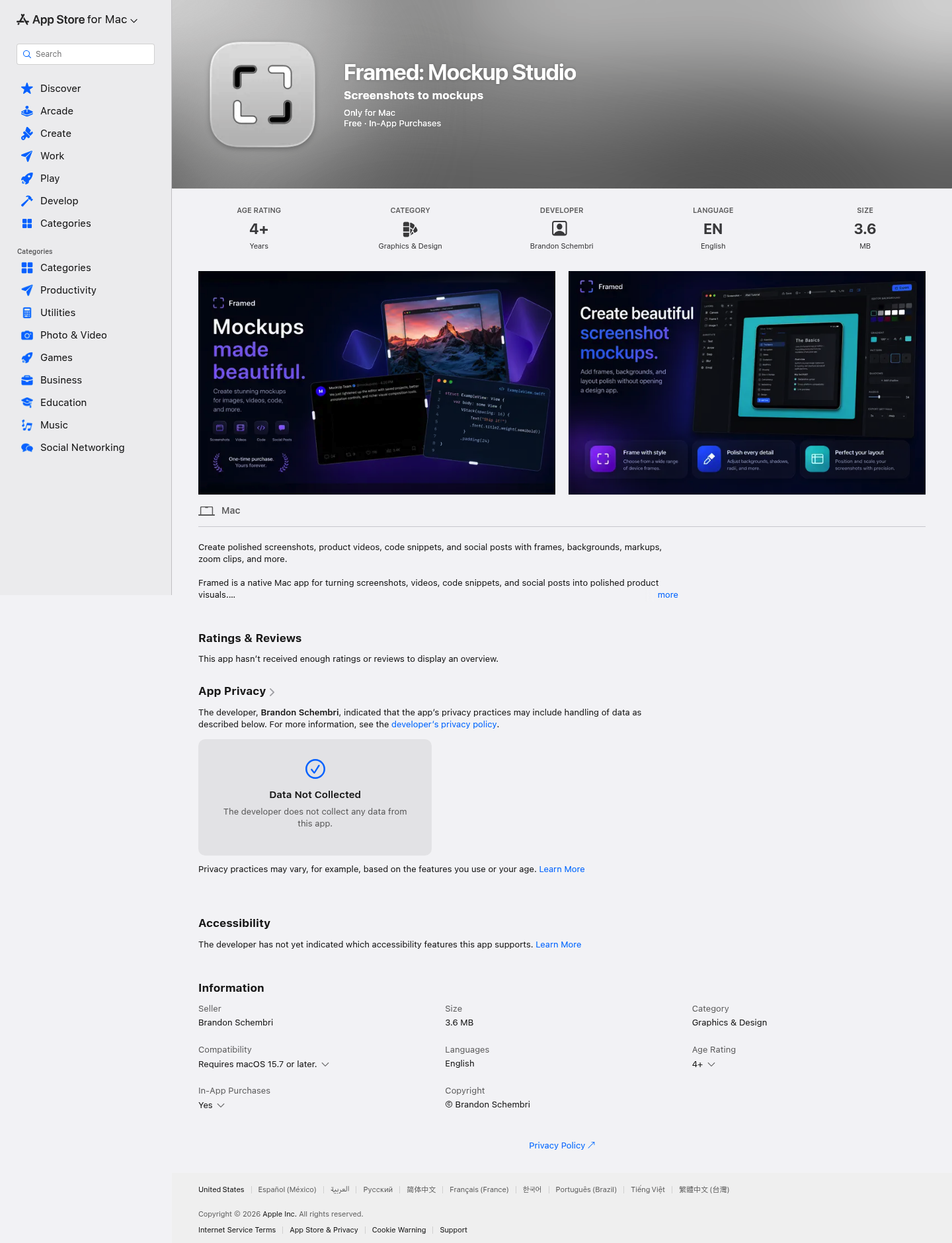
Favorite — quick open from Home.
More About Framed
Framed: Mockup Studio
Framed is a native Mac app that transforms raw screenshots, product videos, code snippets, and social posts into polished, professional visuals. Built for makers who need launch-ready assets without wrestling with design tools, Framed lets you drop in content, style it with frames and backgrounds, and export clean mockups in minutes.
Product Highlights
- Native Mac Performance: Lightweight 3.6 MB app built specifically for macOS 15.7+, offering smooth, responsive editing
- Versatile Content Support: Import screenshots, videos, code snippets, and social posts into a live canvas for instant styling
- Professional Framing Options: Place content inside device frames, browser mockups, and desktop-style presentations
- Advanced Styling Tools: Customize with gradients, image backgrounds, color picking, shadows, spacing, and corner adjustments
- Rich Annotation Features: Add arrows, labels, blur effects, emoji, text callouts, and step markers to guide viewers
- Video Production Ready: Trim clips, adjust speed, manage audio, and create zoom moments for product demos
- Reusable Style System: Save custom styles so your next visual maintains brand consistency without starting from zero
Use Cases
- App Store Optimization: Create polished screenshots and preview videos that convert browsers into downloaders
- Product Launches: Generate launch visuals for Product Hunt, social media, and press kits with consistent branding
- Developer Documentation: Transform code snippets into shareable images for tutorials, blog posts, and technical documentation
- Social Media Content: Build engaging posts for X, Bluesky, LinkedIn, and other platforms with professional framing
- Internal Communications: Produce clean visuals for changelogs, release notes, support docs, and stakeholder presentations
Target Audience
Framed is designed for indie developers, product designers, marketers, and content creators who need high-quality visuals fast—without the learning curve of complex design software or the cost of hiring a designer for every screenshot.
You might also like
See all alternatives →