ScreenVeil.
Keep private data hidden while staying fully visible to your audience
Hide sensitive screen content and add floating overlays for screen sharing, presentations, and live streams. Protect privacy on macOS with easy presets.
Rank
▲ #35Votes
86Platform
Web / MobileLaunched
Recently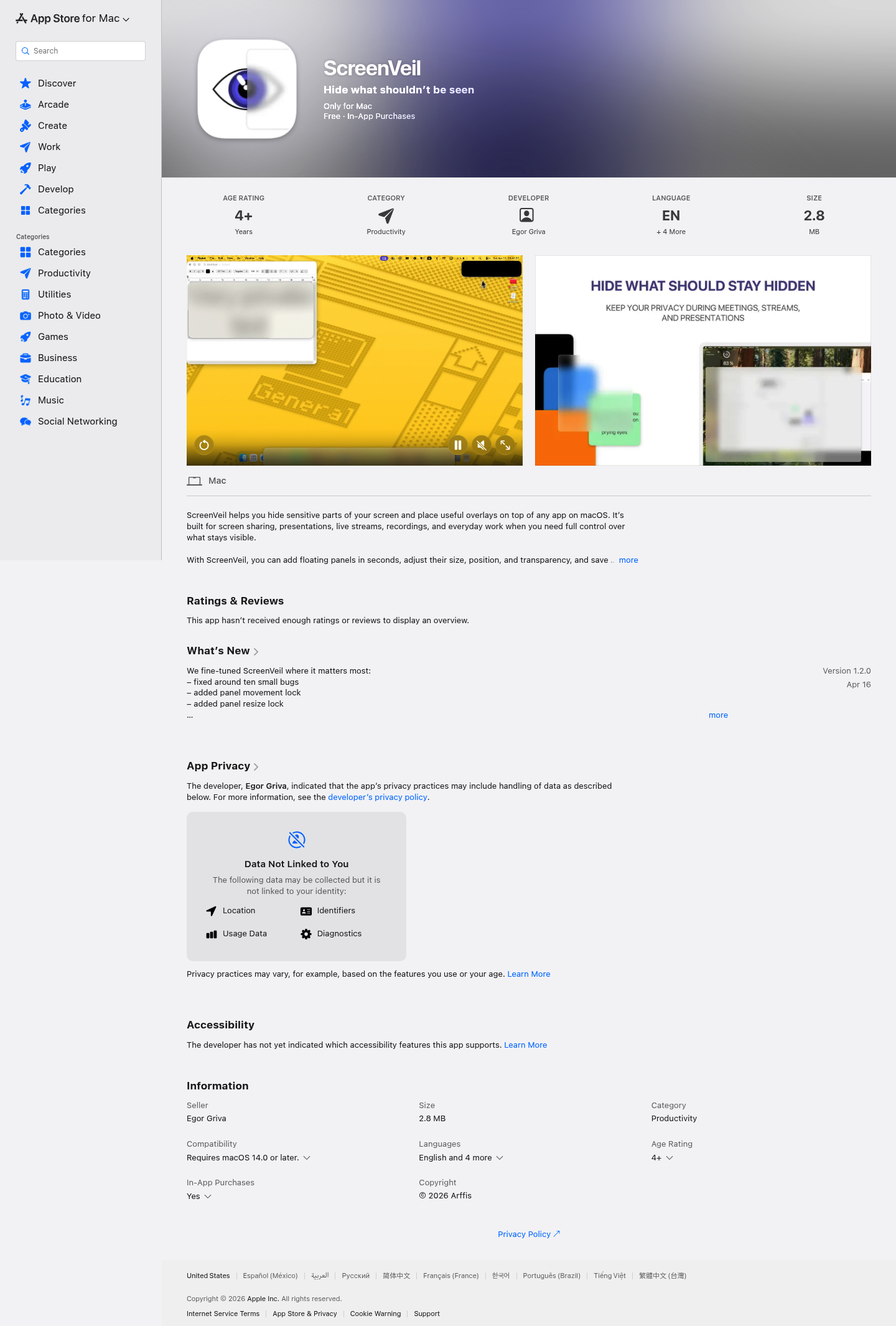
Favorite — quick open from Home.
More About ScreenVeil
ScreenVeil
ScreenVeil gives you complete control over what appears on your Mac screen during screen sharing, presentations, and recordings. Hide sensitive information instantly with customizable overlays while keeping useful content visible for your audience.
Product Highlights
- Privacy Protection: Blur, black out, or mask any part of your screen to hide confidential data during live sessions
- Versatile Overlays: Place text, images, GIFs, videos, and web content on top of any application
- Preset Workflows: Save and restore complete panel configurations for recurring meetings and demos
- Quick Controls: Access all features directly from the menu bar with customizable keyboard shortcuts
- Multi-Display Support: Move panels seamlessly across multiple monitors
Use Cases
- Remote Meetings: Hide personal notifications, emails, and sensitive documents while sharing your screen
- Live Streaming: Create professional overlays, branding elements, and privacy masks for broadcasts
- Online Teaching: Highlight important content and hide student information during screen demonstrations
- Content Creation: Prepare reusable layouts for tutorials, product demos, and video recordings
Target Audience
ScreenVeil is designed for professionals, educators, content creators, and anyone who regularly shares their Mac screen and needs precise control over visible content. Perfect for remote workers, streamers, and corporate presenters who prioritize both productivity and privacy.
You might also like
See all alternatives →