Tapfree for Chrome.
Speak naturally, write perfectly—no corrections needed.
Speak naturally and write faster with Tapfree's AI-powered voice keyboard for Chrome. Context-aware dictation eliminates errors and awkward formatting.
Rank
▲ #32Votes
125Platform
Web / MobileLaunched
Recently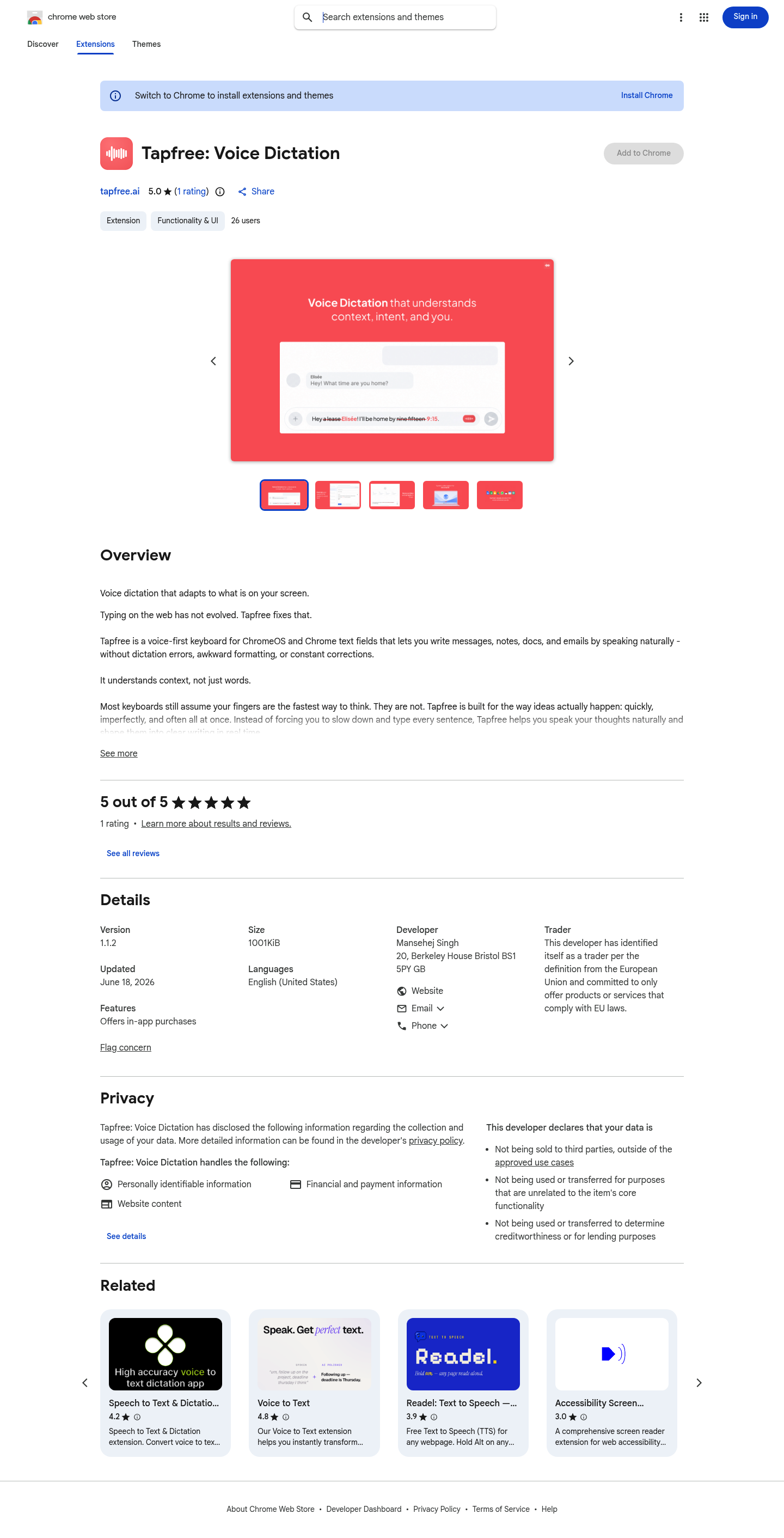
Favorite — quick open from Home.
More About Tapfree for Chrome
Tapfree: Voice Dictation
Tapfree transforms how you write on the web by turning your natural speech into polished, structured text—no more typing fatigue or awkward dictation errors. Designed as a voice-first keyboard for Chrome and ChromeOS, it understands context, not just words, so you can capture ideas quickly and confidently across any text field.
Product Highlights
- Context-Aware Dictation: Adapts to what's on your screen for more relevant, accurate transcription that understands your intent, not just your words.
- Intelligent Formatting: Converts natural speech into clean, structured text without awkward line breaks or formatting cleanup.
- Custom Vocabulary Recognition: Learns people names, product terms, technical jargon, and repeated phrases for fewer corrections and rewrites.
- Flexible Input Modes: Works as a floating mic in Chrome text fields or as a system-wide input method on ChromeOS for seamless integration.
- Privacy-First Design: Uses only essential permissions with optional screen context for improved accuracy—your data stays protected and is never sold to third parties.
Use Cases
- Quick Messaging: Dictate replies in chat apps and email without slowing down to type every word.
- Long-Form Writing: Draft notes, brainstorm ideas, and compose paragraphs hands-free while your thoughts flow naturally.
- Professional Communication: Write polished emails and documents with confidence, knowing technical terms and names will be captured correctly.
- On-the-Go Capture: Take notes when your hands are busy—cooking, commuting, or multitasking—without missing a thought.
Target Audience
Tapfree is built for busy professionals, students, writers, and anyone who finds typing slows down their thinking—especially ChromeOS users, remote workers, and people who prefer speaking to typing for speed, accessibility, or convenience.
You might also like
See all alternatives →