Type Switch 3.0 for macOS .
Boost productivity with Type Switch 3.0 for macOS. Switch keyboard languages instantly using hotkeys with visual, sound, or voice feedback. Perfect for multilingual typing.
More About Type Switch 3.0 for macOS
Type Switch 3.0 for macOS
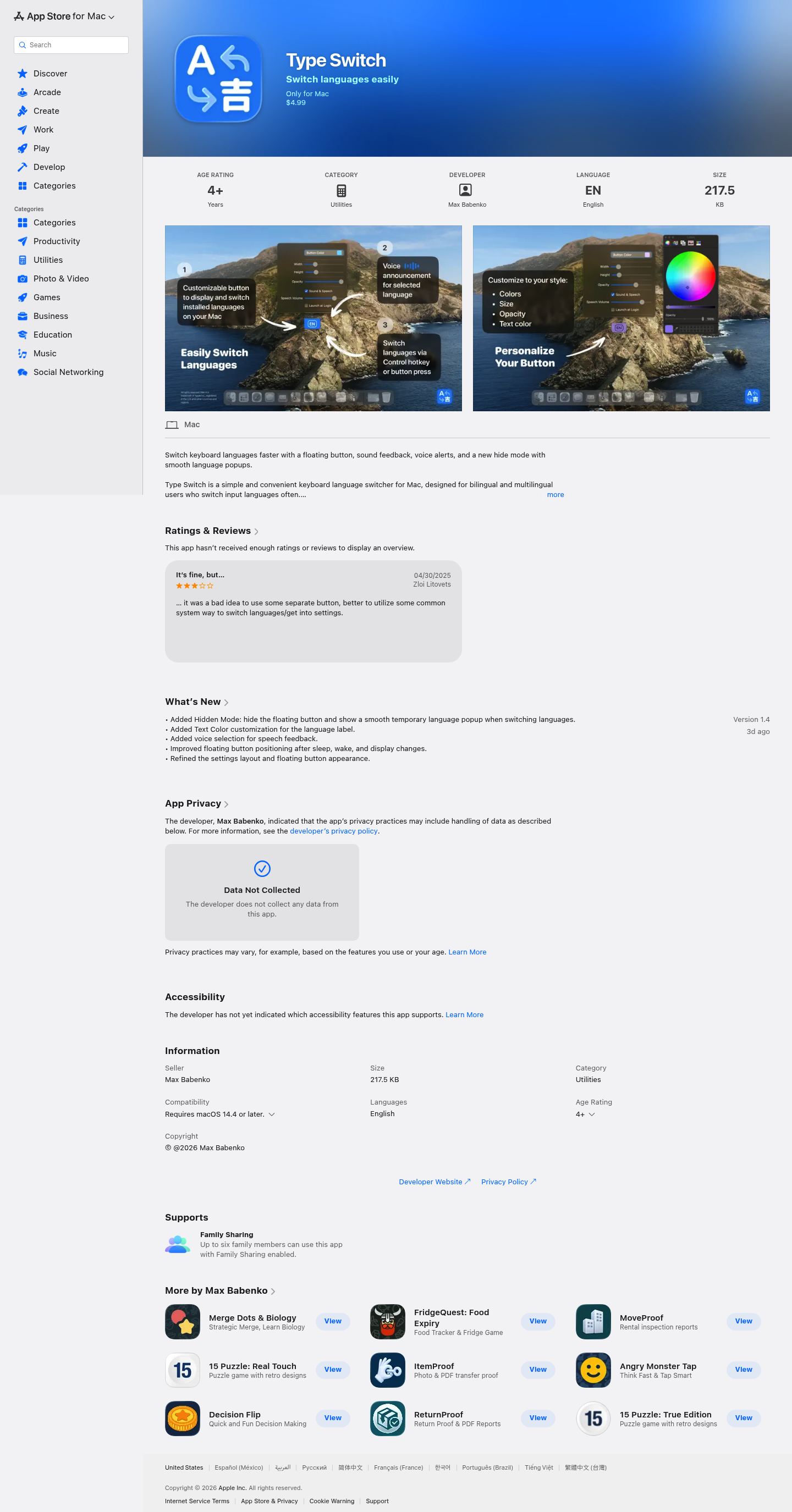
Type Switch 3.0 is a lightweight keyboard language switcher designed specifically for macOS users who frequently work with multiple input languages. With its elegant floating button, customizable appearance, and smart hidden mode, you can switch languages instantly while always knowing which keyboard layout is currently active.
Product Highlights
- Floating Language Button: A compact, always-visible button that displays your current input language and stays on top of all windows for instant access.
- Hidden Mode with Smooth Popup: Keep your screen clean by hiding the button; a sleek temporary popup appears only when you switch languages.
- Customizable Appearance: Adjust button size, color, text color, and opacity to match your personal workspace aesthetic.
- Audio and Voice Feedback: Optional sound alerts and voice notifications ensure you never lose track of your active language.
- Flexible Hotkey Support: Switch languages quickly using Left Control or Double Left Shift without reaching for the mouse.
- Minimal System Footprint: At just 217.5 KB, the app runs efficiently without slowing down your Mac.
Use Cases
- Bilingual Professionals: Writers, translators, and customer support agents who constantly switch between two or more languages throughout their workday.
- Multilingual Students: Language learners who need to practice typing in different scripts and want clear visual confirmation of their current keyboard layout.
- Remote Workers: Professionals collaborating with international teams who frequently alternate between native and English keyboards.
- Content Creators: Bloggers, social media managers, and designers working with multilingual content who need seamless language transitions.
Target Audience
Type Switch 3.0 is ideal for any macOS user running macOS 14.4 or later who regularly types in multiple languages and wants a faster, more intuitive alternative to macOS's default language switching. The app particularly benefits users who find themselves accidentally typing in the wrong language and need immediate visual and audio confirmation of their active input source.
You might also like
See all alternatives →