
Openclick.
Turn natural language into seamless hands-free macOS control
Open-source CLI that transforms natural language prompts into automated UI actions on macOS using LLM planning and Accessibility APIs. MIT licensed.
Rank
▲ #35Votes
79Platform
Web / MobileLaunched
Recently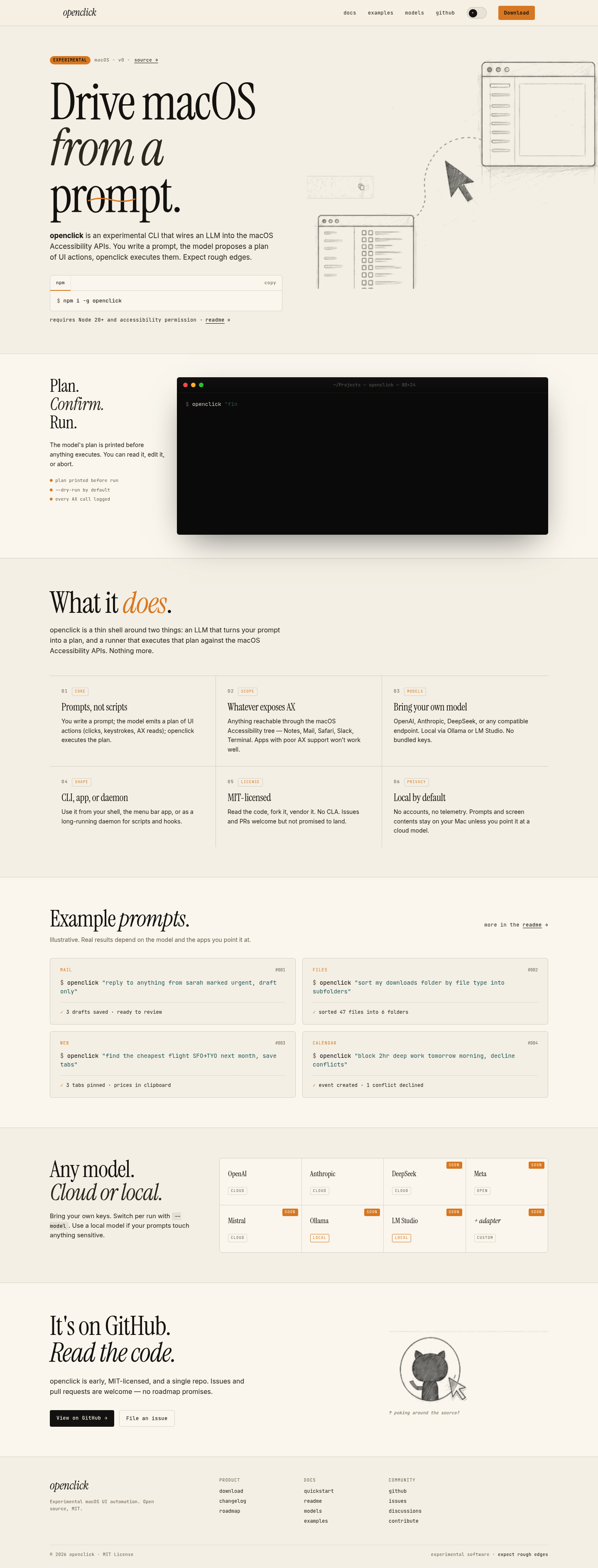
Favorite — quick open from Home.
More About Openclick
Openclick
Openclick is an experimental macOS CLI that bridges natural language prompts with UI automation through LLM-powered planning. It translates your text instructions into executable actions via macOS Accessibility APIs, giving you programmable control over any app that supports accessibility features.
Product Highlights
- Natural Language Control: Write plain English prompts instead of complex automation scripts
- Transparent Execution: Review AI-generated action plans before execution with dry-run mode by default
- Privacy-First Design: Runs locally by default with no accounts, telemetry, or bundled API keys
- Model Flexibility: Works with OpenAI, Anthropic, DeepSeek, Ollama, LM Studio, or any compatible endpoint
- Multiple Interfaces: Use as CLI, menu bar app, or background daemon for scripts and hooks
Use Cases
- Email Automation: Draft replies to urgent messages, organize inboxes, or manage calendar conflicts automatically
- File Management: Sort downloads, organize documents, and perform bulk file operations through simple commands
- Web Research: Open multiple tabs, extract information, and compile results without manual browsing
- Calendar Scheduling: Block focus time, resolve conflicts, and manage appointments through conversational prompts
Target Audience
Developers, power users, and automation enthusiasts on macOS who want to control their desktop environment through natural language rather than traditional scripting. Ideal for those comfortable with CLI tools who prioritize privacy and transparency in AI-assisted workflows.
You might also like
See all alternatives →