Pocket Screen.
Turn any Mac window into a compact, always-on-top floating view. Keep videos, chats, or documents visible while you work—no more constant switching.
More About Pocket Screen
Pocket Screen
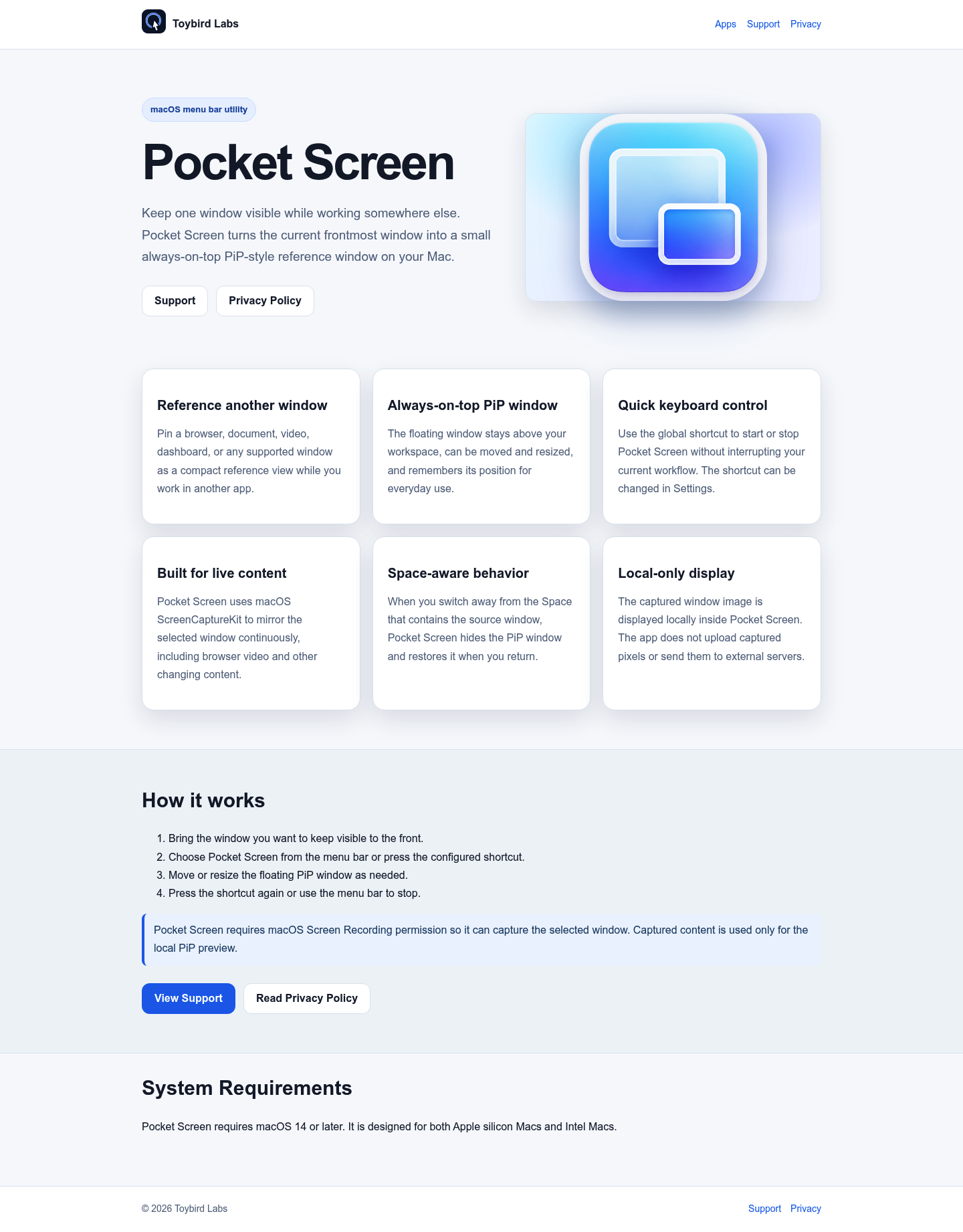
Pocket Screen is a lightweight macOS menu bar utility that transforms any active window into a compact, always-on-top picture-in-picture reference window. Designed for multitaskers who need to monitor content while working in other applications, it delivers seamless window mirroring without disrupting your workflow.
Product Highlights
- Always-on-top PiP display: Keeps your selected window floating above all other apps, fully movable and resizable to fit your workspace.
- One-click activation: Launch or close Pocket Screen instantly using a customizable global keyboard shortcut—no menu digging required.
- Live content mirroring: Built on macOS ScreenCaptureKit to continuously reflect real-time changes, including browser videos, dashboards, and dynamic documents.
- Space-aware intelligence: Automatically hides the PiP window when you switch Spaces and restores it when you return, maintaining desktop clarity.
- Privacy-first design: All captured pixels stay local on your device—no uploads, no external servers, no data leaving your Mac.
- Persistent positioning: Remembers your preferred size and location across sessions for instant everyday usability.
Use Cases
- Remote work & video calls: Keep chat windows, participant lists, or presentation slides visible while screen-sharing or working in other tools.
- Content creation & editing: Monitor reference images, style guides, or tutorial videos alongside your design or editing software.
- Financial & data monitoring: Track live dashboards, trading platforms, or analytics windows without losing focus on analysis or reporting tasks.
- Learning & research: Follow along with instructional videos or documentation while taking notes or coding in a separate application.
Target Audience
Pocket Screen is ideal for macOS professionals, creatives, developers, and remote workers who demand efficient multitasking without the friction of constant window switching. It serves anyone who needs persistent visual reference—whether monitoring live data, referencing materials, or staying connected—while maintaining full productivity in their primary workspace.
You might also like
See all alternatives →